Spend little,
eat well.
Your everyday dining loop.
Find cheap eats, ring for service, fill the room.
Good food. Low prices.
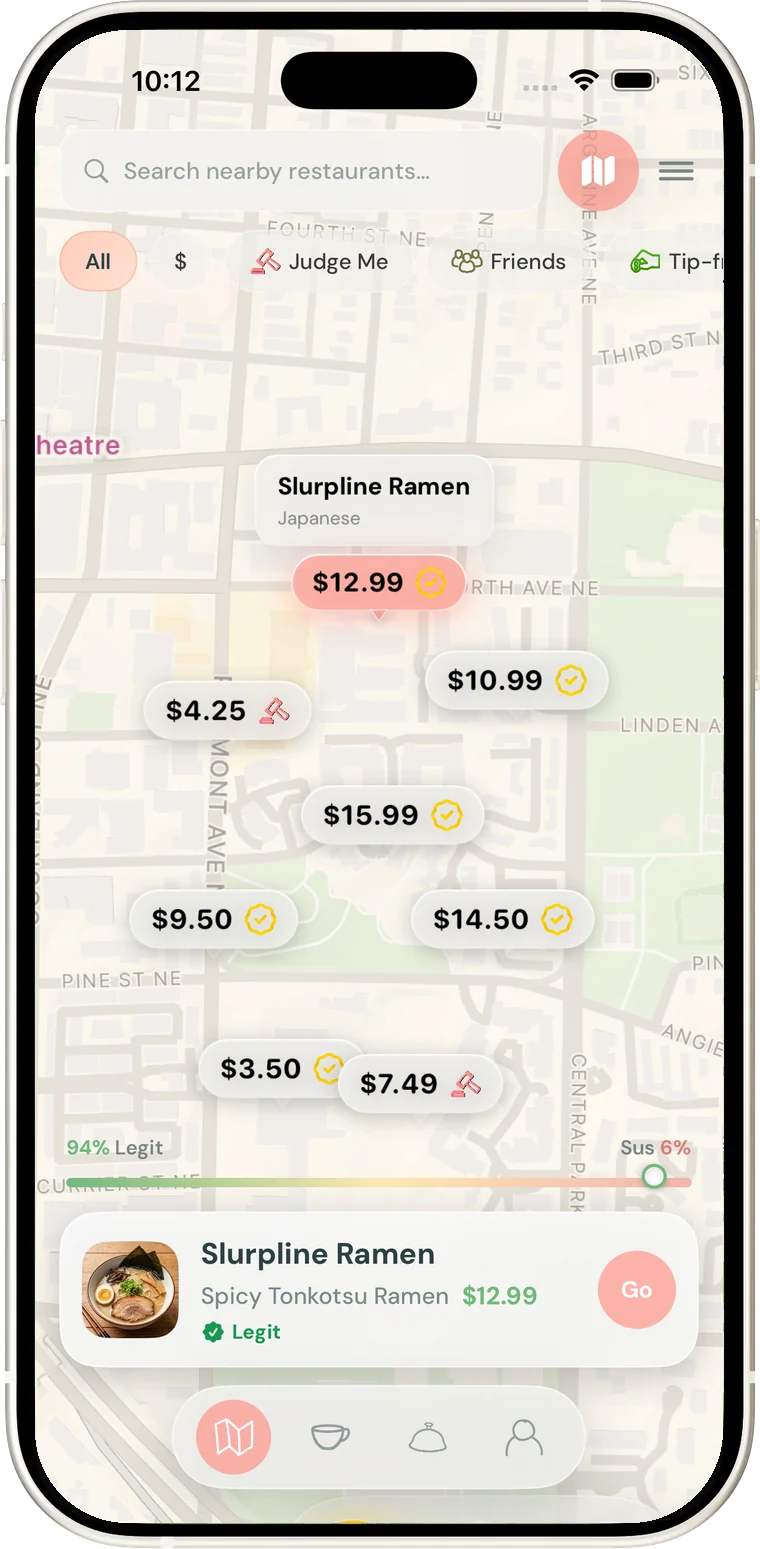
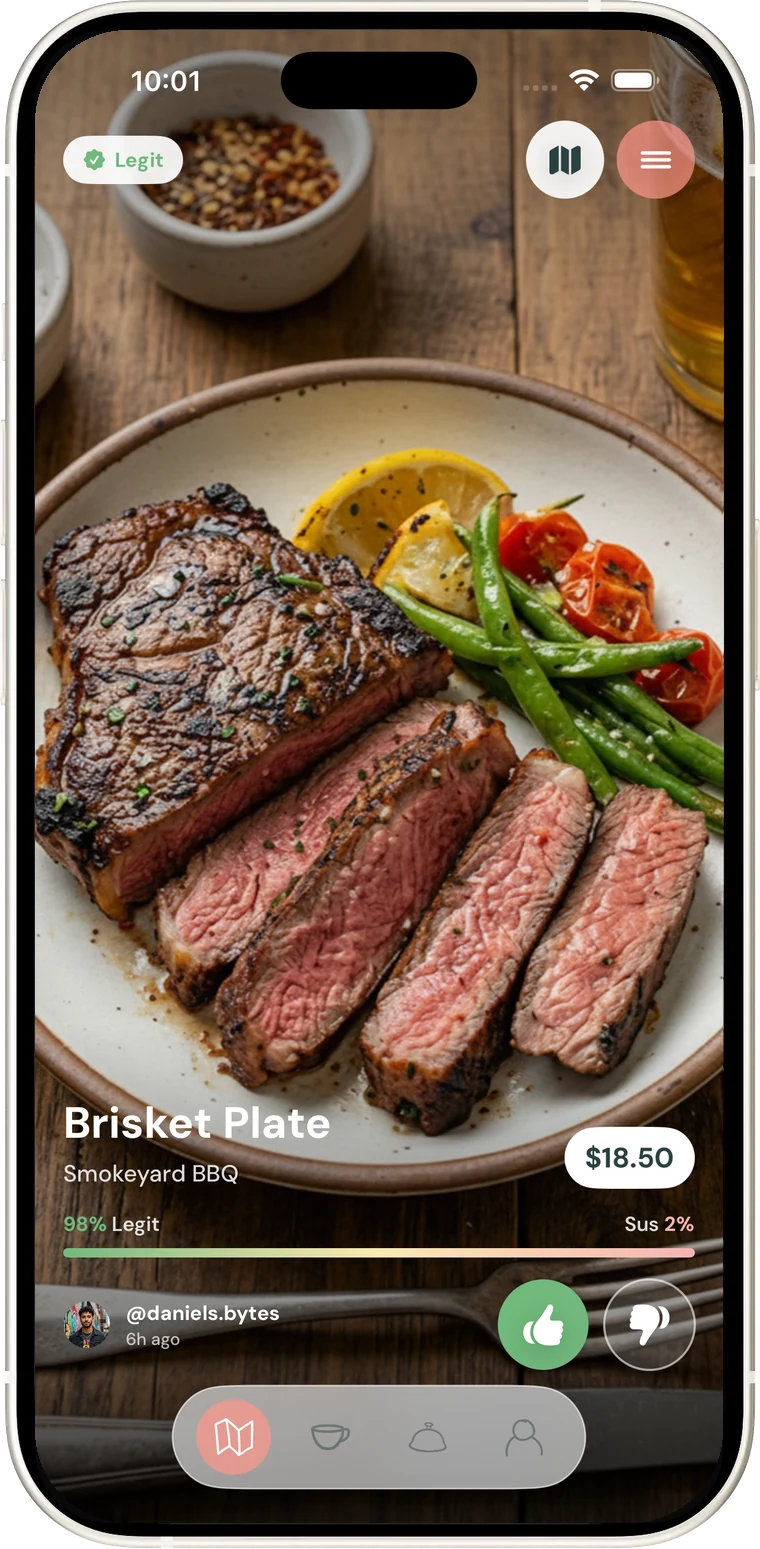
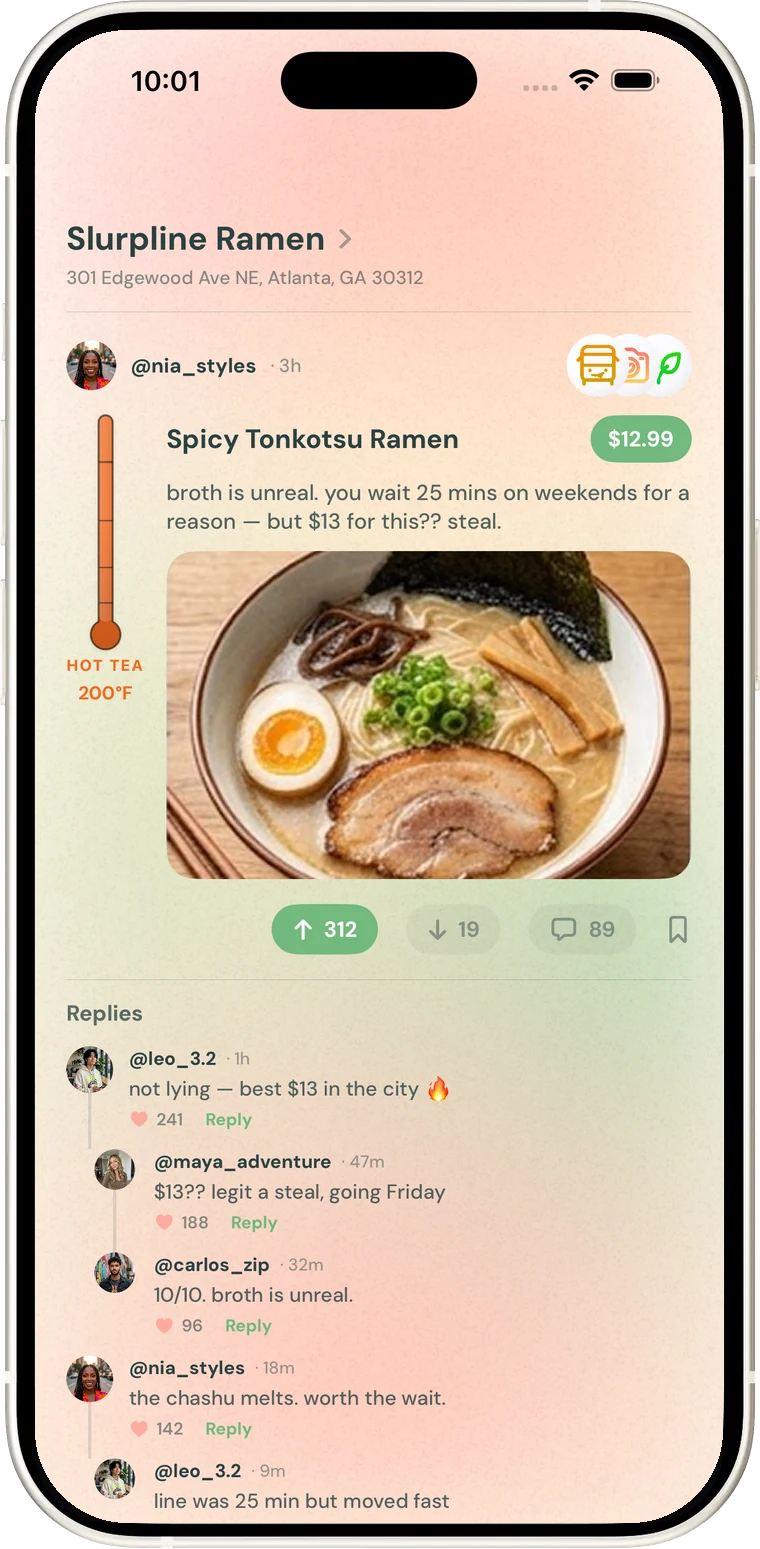
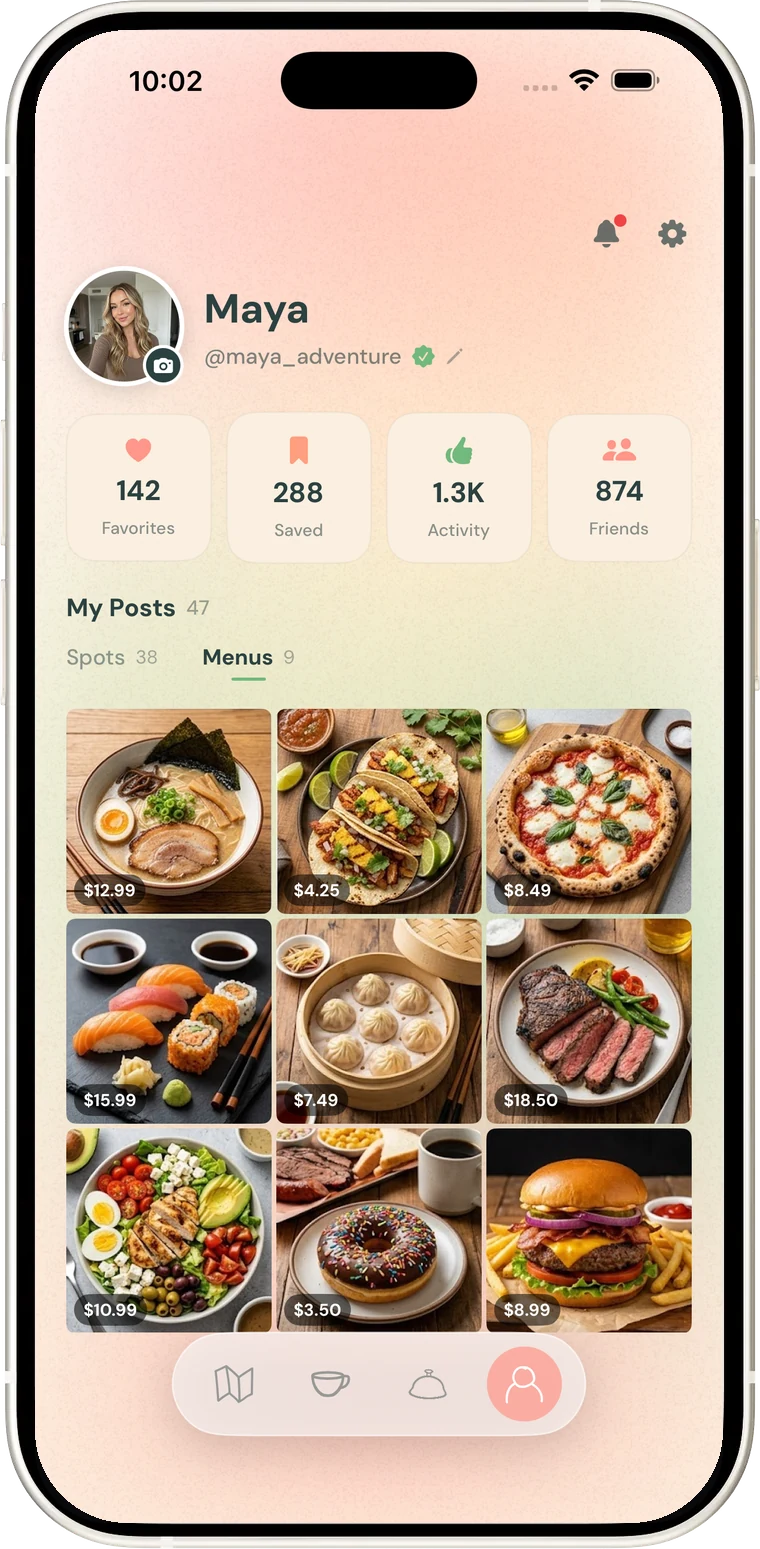
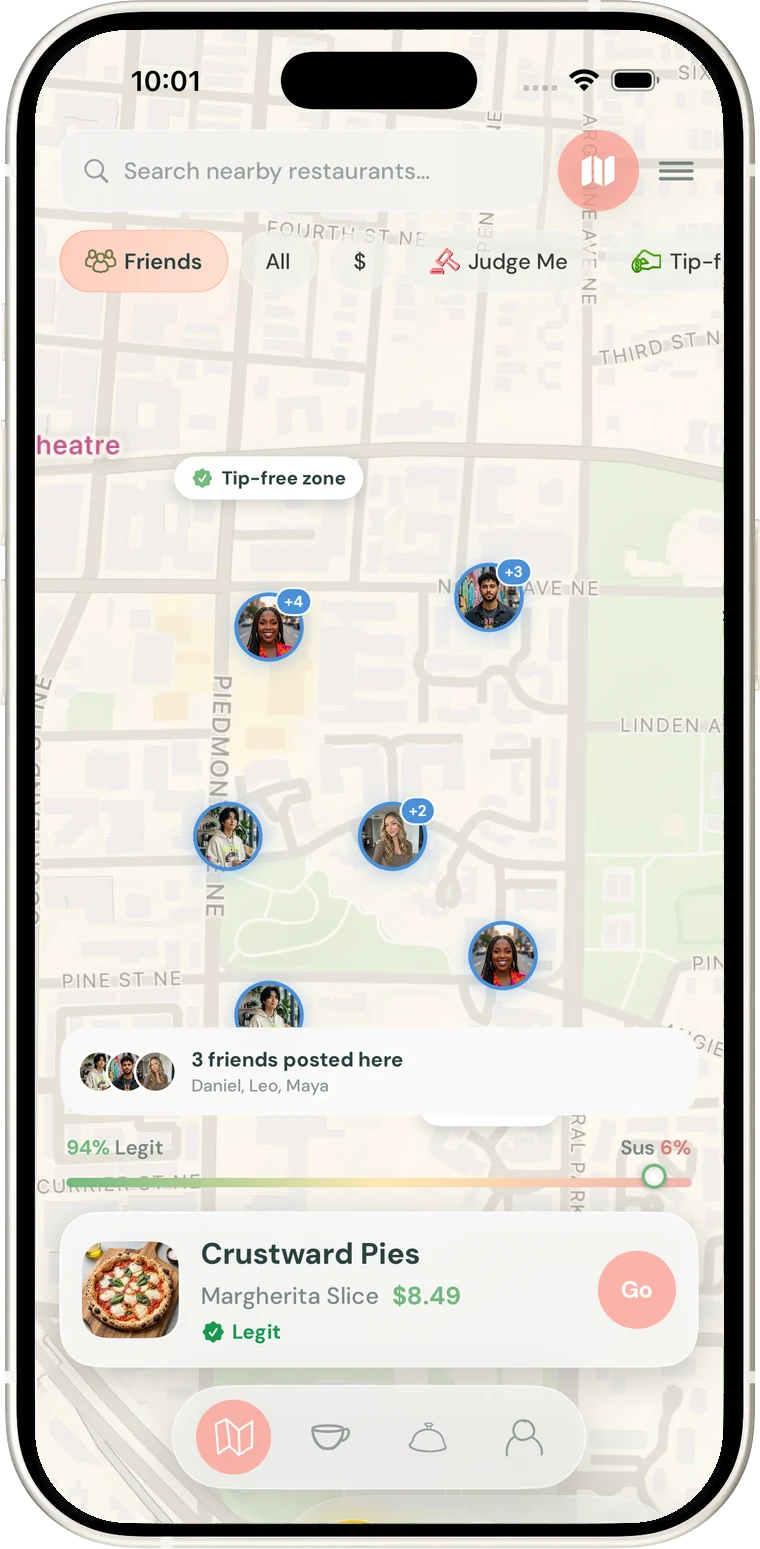
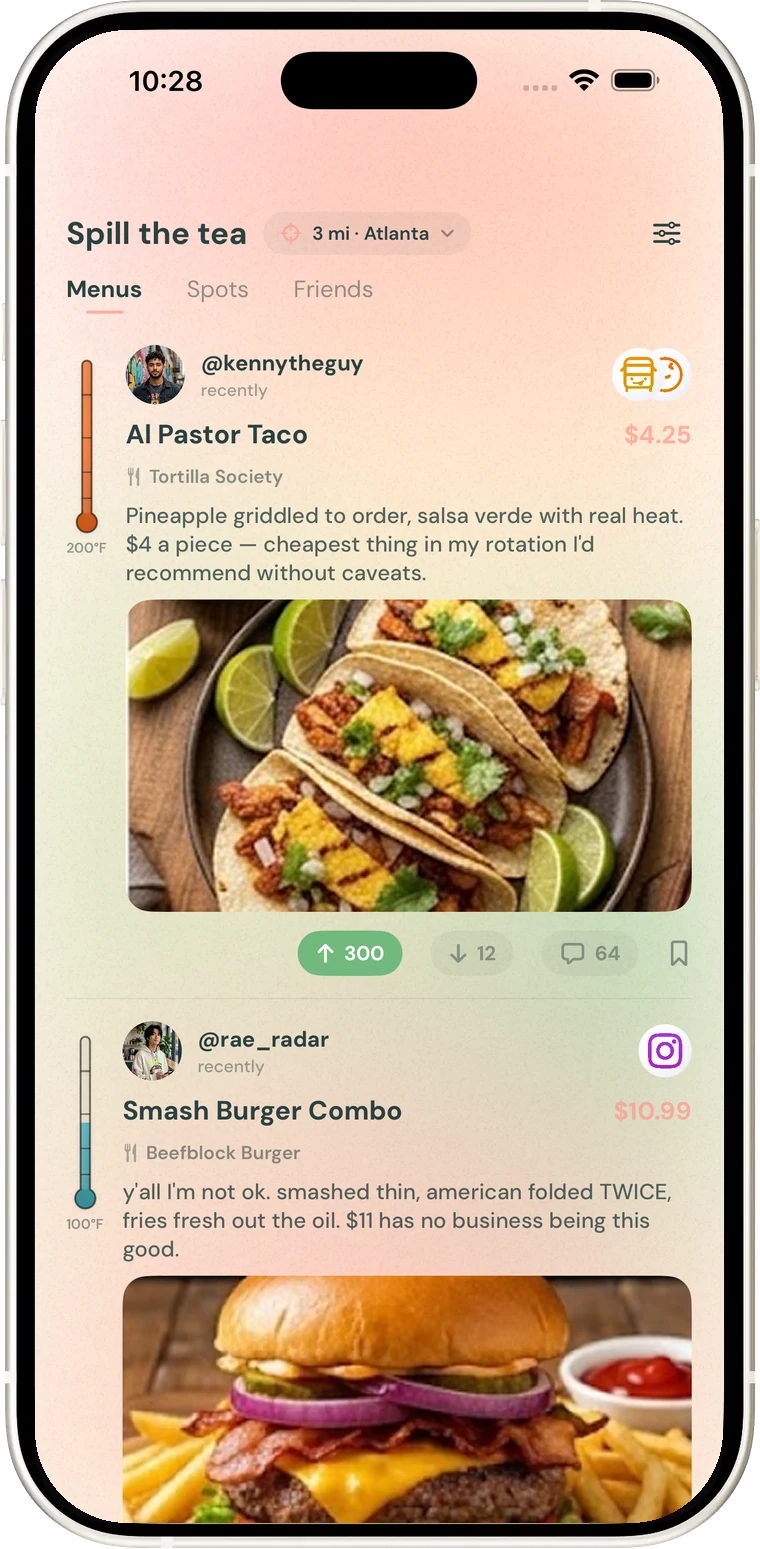
Price is the filter, not the fine print. Open the map and see where you can eat well tonight — confirmed by locals, not by who paid for placement.



Tap, don't wave.
The Bell lives right inside Guava — the same app as the map. Scan the code at your table and call your server without flagging anyone down.

The other side of the table.
Diners find you on the Guava map, then ring you with the Bell. That demand and data turns into seats — managed from the Guava Manager app.
The short version.
What is the Guava map?+
Guava's cheap-eats map. It sorts food by what a meal actually costs — not by who paid for placement — and locals confirm each spot as Legit or flag it as Sus, so you find genuinely good food that fits your budget nearby.
Is Guava out yet?+
Yes — Guava is live on the App Store for iPhone, with the map and the Bell both built in.
How does the Bell work?+
Scan the code at your table to start a session, then tap to call your server, make a request, or ask for the bill — no flagging anyone down. It's part of the same Guava app as the map.
I run a restaurant — how do I get on?+
Grab the Guava Manager app to turn on the Smart Bell and get on the Guava map, which puts you in front of nearby diners actively looking to eat.
Your dining buddy,
one tap away.
Download Guava and start eating well for less.